
Scheduling Tutoring Appointments in Navigate
- Go to https://miamioh.navigate.eab.com/ or find Navigate in the apps on your MyMiami Dashboard.
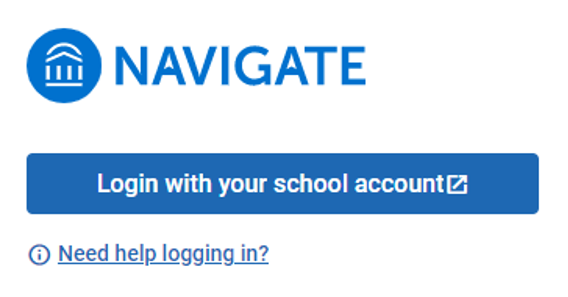
- If a login page comes up when you click on Navigate: click on “login with your student account”
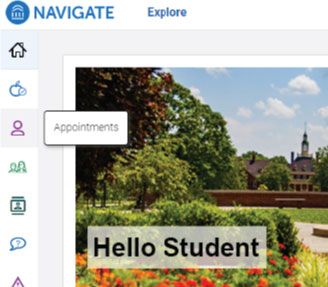
- Click on Appointments on the left side of the page
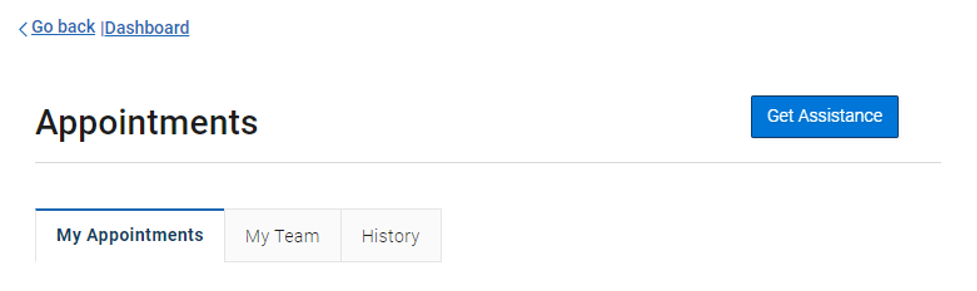
- Click on get assistance
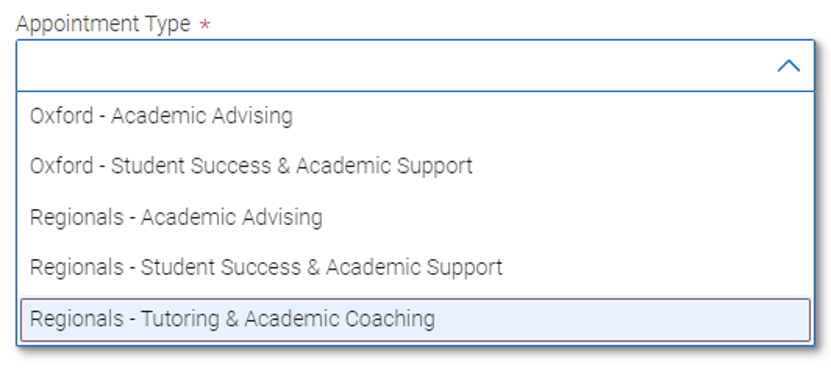
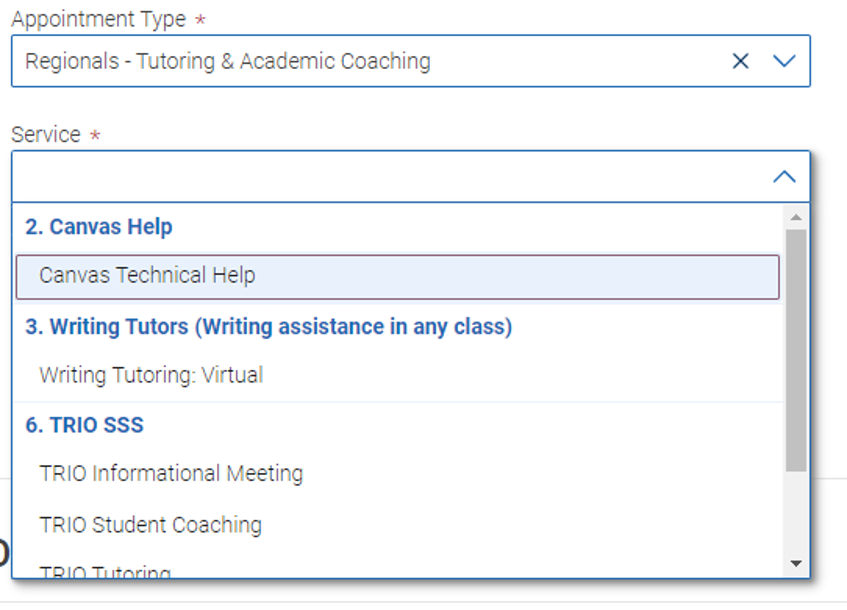
- Under “appointment type” choose “Regionals - Tutoring & Academic Coaching”
- Under “service” choose what type of tutoring or mentoring you need.
- Peer/Professional Mentors (For assistance with student success)
- Individual Course Tutoring (Tutors assigned to specific courses)
- Writing Tutoring (Writing assistance in any class)
- Library Research Consultation (Researching for projects with a librarian)
- ALEKS Tutoring (Developing math skills to prepare for a retake of the math placement test)
- ELL Tutoring (Support for English Language Learners/ESL)
- One other service, Online Writing Submissions, are not included on this scheduler. If you want to submit an essay and receive feedback WITHOUT meeting, please submit it here.
- If a service you want is not appearing, that could mean one of two things: either you’re having trouble accessing something in Navigate, or we don’t have any tutors available for the course you’re taking. If this happens, please contact us directly at 513-785-3139 or RegTLC@MiamiOH.edu so we can investigate for you.
- Ignore the “pick a date” dropdown, as two weeks of availability will be shown automatically.
If you choose “Individual Course Tutoring,” you will see a list of your courses. Click on the course you want help with and you will see a list of times we can offer appointments for. If a course you need tutoring in isn’t listed, that means that we don’t currently offer tutoring for that course. - Select a time, review the information about your appointment, and then click “Schedule.”
- You will then receive a confirmation email containing the details of your appointment. If you chose a Zoom appointment, this will also include a link to the Zoom room and instructions for joining.
- Ignore the “pick a date” dropdown, as two weeks of availability will be shown automatically.
- If you choose “Individual Course Tutoring,” you will see a list of your courses. Click on the course you want help with and you will see a list of times we can offer appointments for. If a course you need tutoring in isn’t listed, that means that we don’t currently offer tutoring for that course.
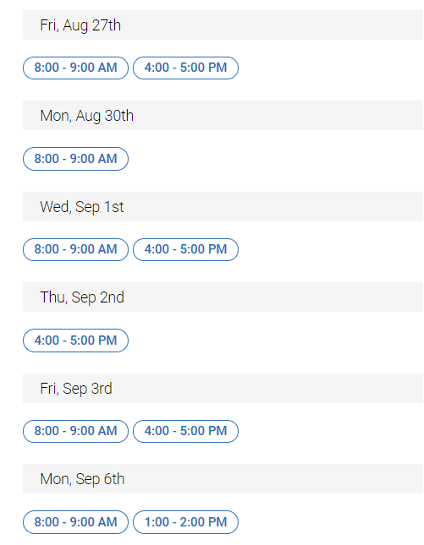
- Select a time, review the information about your appointment, and then click “Schedule.”
- You will then receive a confirmation email containing the details of your appointment. If you chose a Zoom appointment, this will also include a link to the Zoom room and instructions for joining.
Contact
Tutoring and Learning Center
- Hamilton Campus Rentschler Hall 102 Middletown Campus Johnston Hall 101 Hours: 8 a.m. to 5 p.m.
- 513-785-3139
- regtlc@miamioh.edu